
How to Reset the Master Password
The Master Password is the password associated with your business' StoriiCare account. It is required to sign in as the business or authenticate a device before staff can access their profiles. This guide will explain how to reset the Master Password in the even that it has been forgotten.
Steps to Reset The Business Password
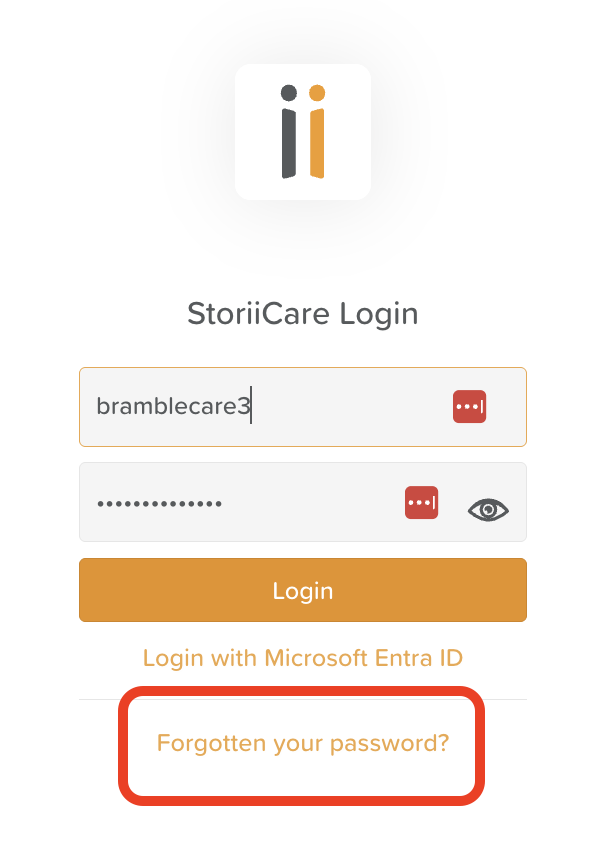
From the Login screen of care.storii.com or the StoriiCare App, click on the Forgotten your password? text.
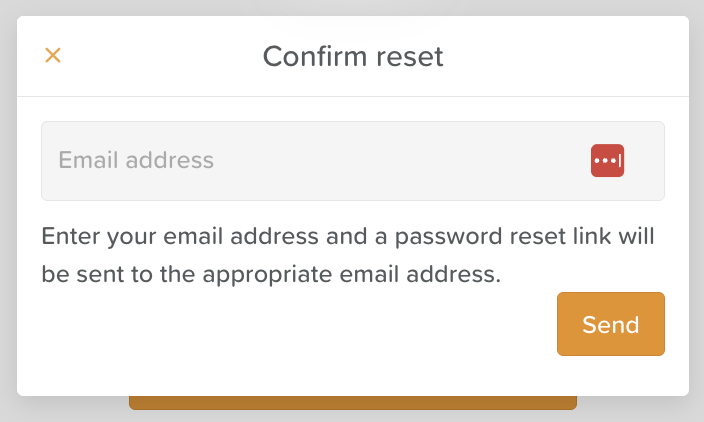
Enter the Master/Business Email address into the pop up window and click Send
Check your inbox, including spam/junk folders for the reset link from StoriiCare
Follow the prompts to reset your Master Password
Need More Help?
If you need further assistance, you can reach out to our support team by emailing support@storii.com. Our support team is ready to help you with any questions or issues you may have.