
The Storii Family App and Website - A Guide for Family Caregivers
The Storii Family App and website let you stay connected to your loved one's care, from viewing updates and messages to actively contributing to their profile. This guide walks through how to access your account and navigate its key features.
Accessing Your Account
You can sign into Storii Family in two ways:
Storii Family App — available from the App Store and Google Play Store.
Browser — visit family.storii.com.
Need help setting up your account? See: Creating a Storii Family Account
Navigating Storii Family
Connections
Under the Connections heading, you can access your loved one's profile. If you're connected to more than one profile — for example, if you have two parents attending a day program — all connections will appear here.
Recent Updates
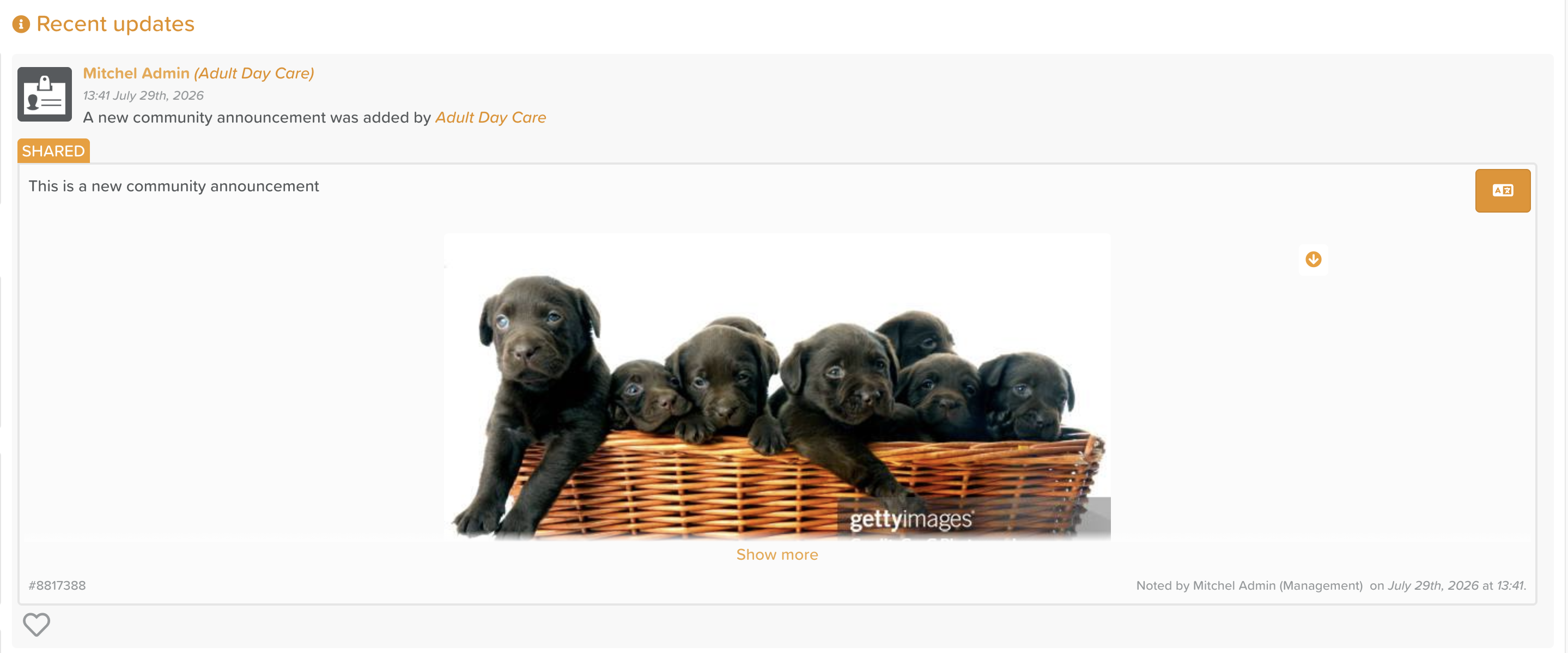
This is a live feed of updates shared by your loved one's care provider. It may include:
Community announcements (e.g. policy updates, upcoming events)
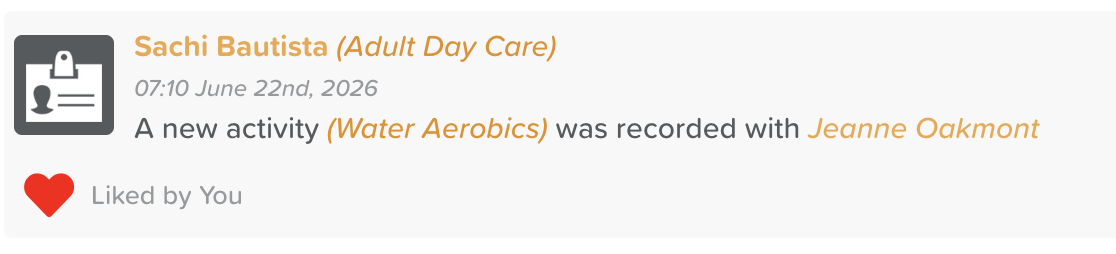
Activity participation (e.g. "A new activity (Bird Feeding) was recorded with Jeanne Oakmont")
Progress notes (if shared by the care provider)
Media
Updates made to the Places, Playlists, or Life Story features on your loved one's profile
Community announcements and progress notes can be translated into your preferred language by clicking the AZ icon in the top right-hand corner of the post.
Messages
Located in the top right-hand corner, a red number icon will appear if you have a new message from the care provider.
Currently, messages must be initiated by the care provider. Family caregivers cannot start a new conversation, but can respond to messages they receive.

Settings
To update your account settings, click the down arrow next to your profile image in the top right-hand corner, then select Settings. From here, you can:
Update your email address or phone number
Set your time zone, date format, time format, and language preferences
Change your password
Update your email preferences

You can engage with recent updates by clicking the heart icon in the bottom left.
Viewing Your Loved One's Profile
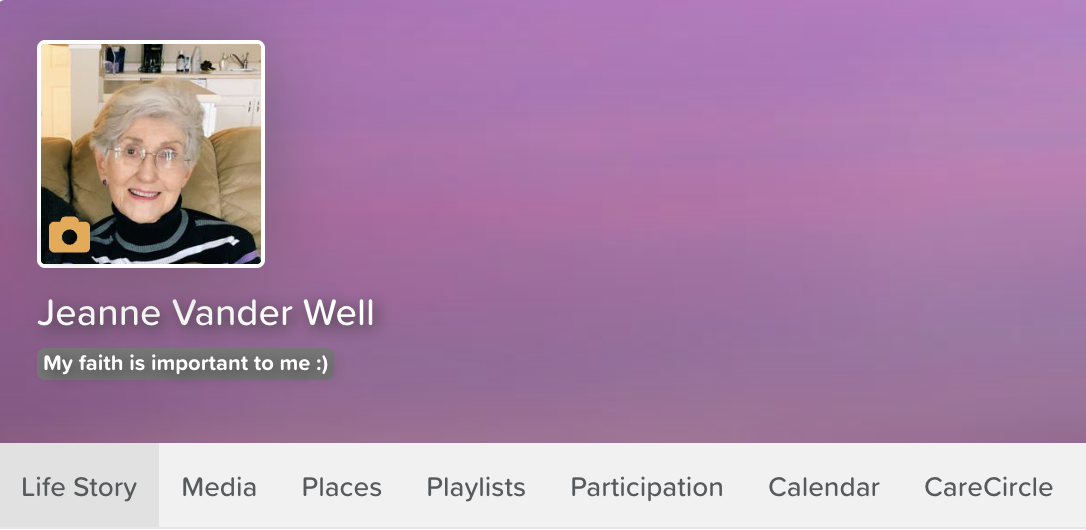
You can contribute directly to their loved one's profile, helping care providers deliver more person-centred care. The care provider has access to these features, too, so they'll be notified of any contributions you make!
Click on your loved one's profile under the Connections heading to explore the following features:
Life Story — respond to Life Story questions with, or on behalf of, your loved one.
Media — upload photos of your loved one's life.
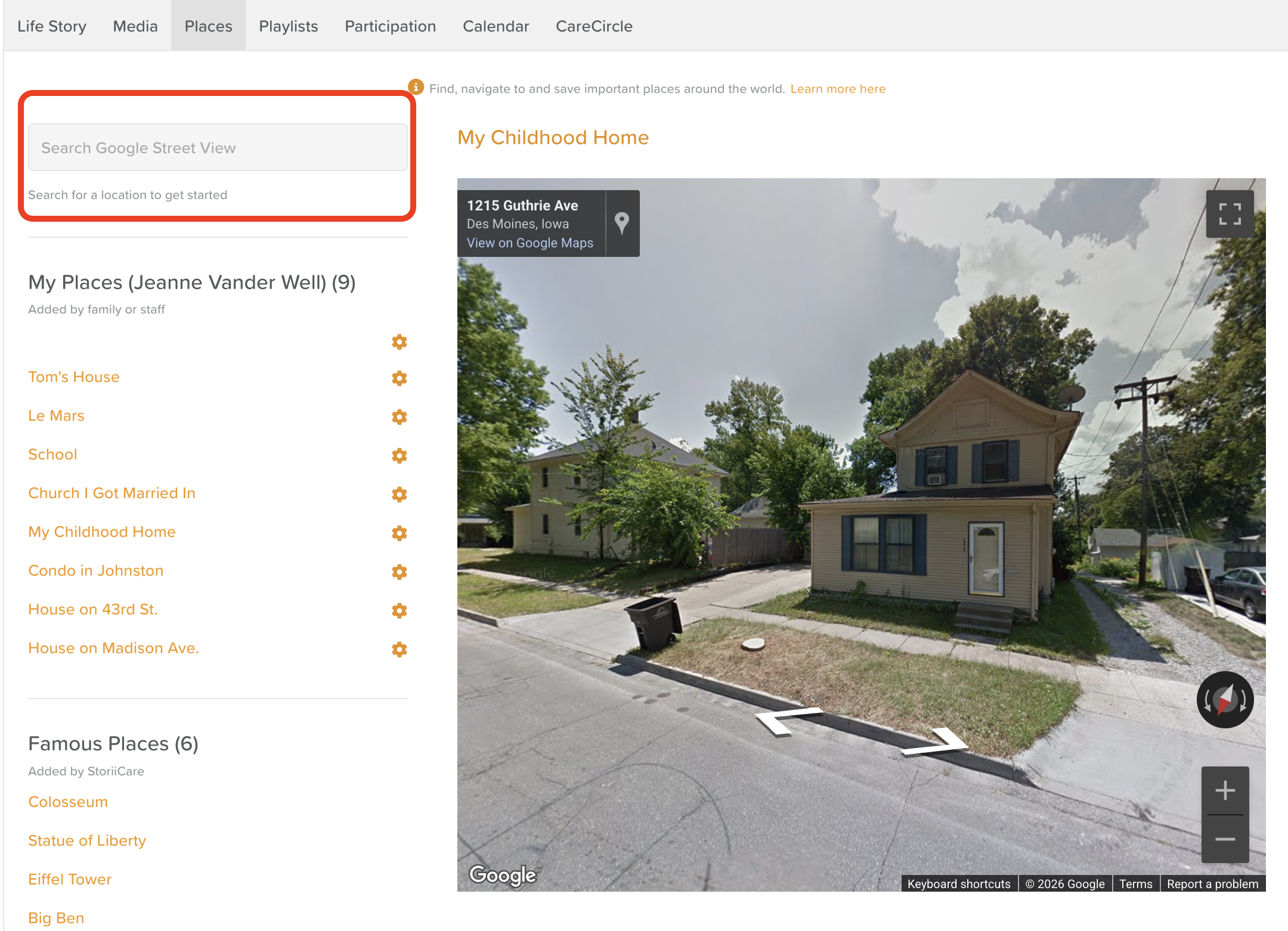
Places — bookmark significant places from your loved one's life, such as places they've lived, travelled to, or visited regularly. Search for addresses using Google Street View, then click Add to save a place to their list.
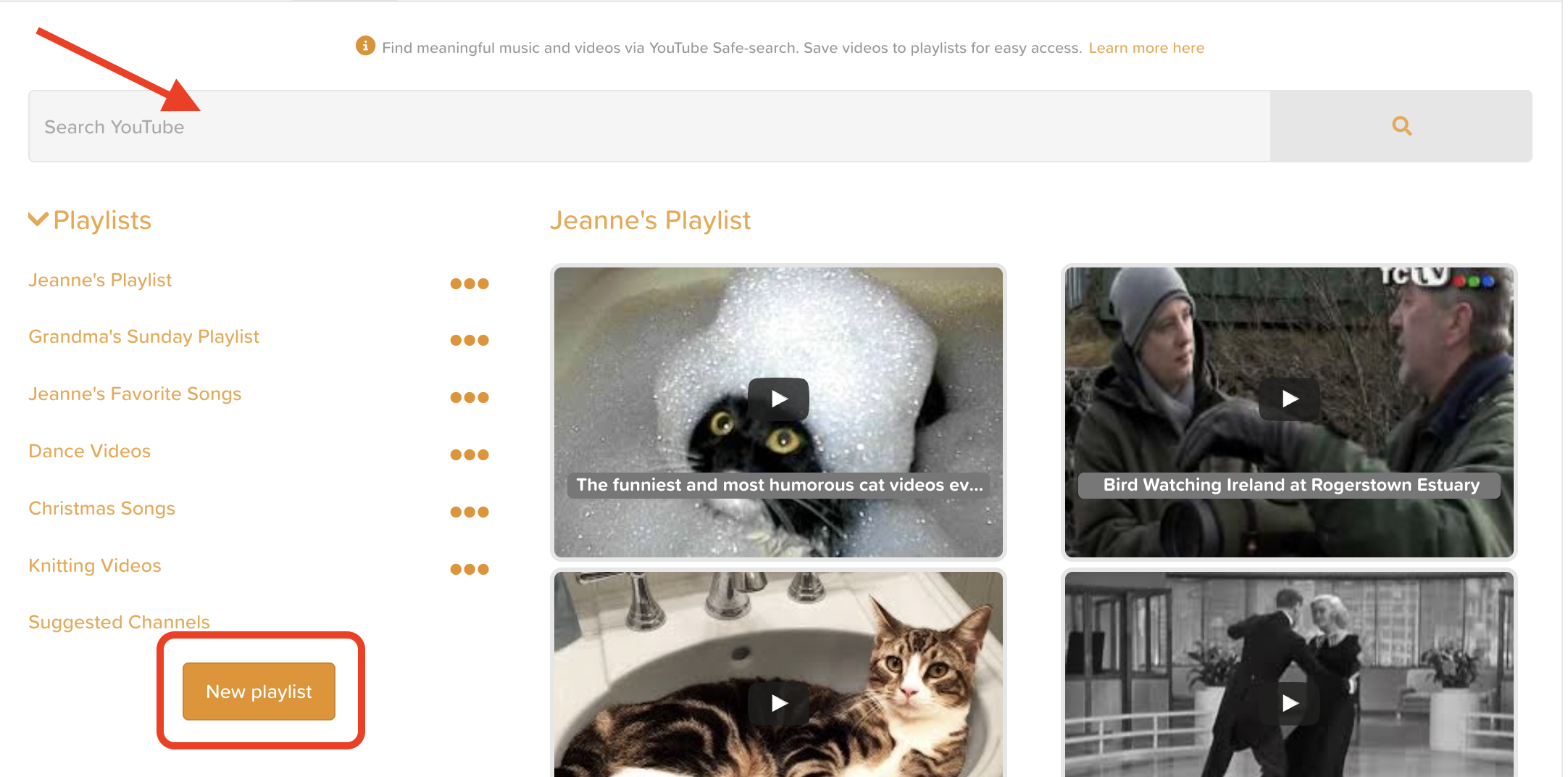
Playlists — create playlists of your loved one's favourite music and videos. This safe-searches YouTube, so you can also build playlists around hobbies and interests.
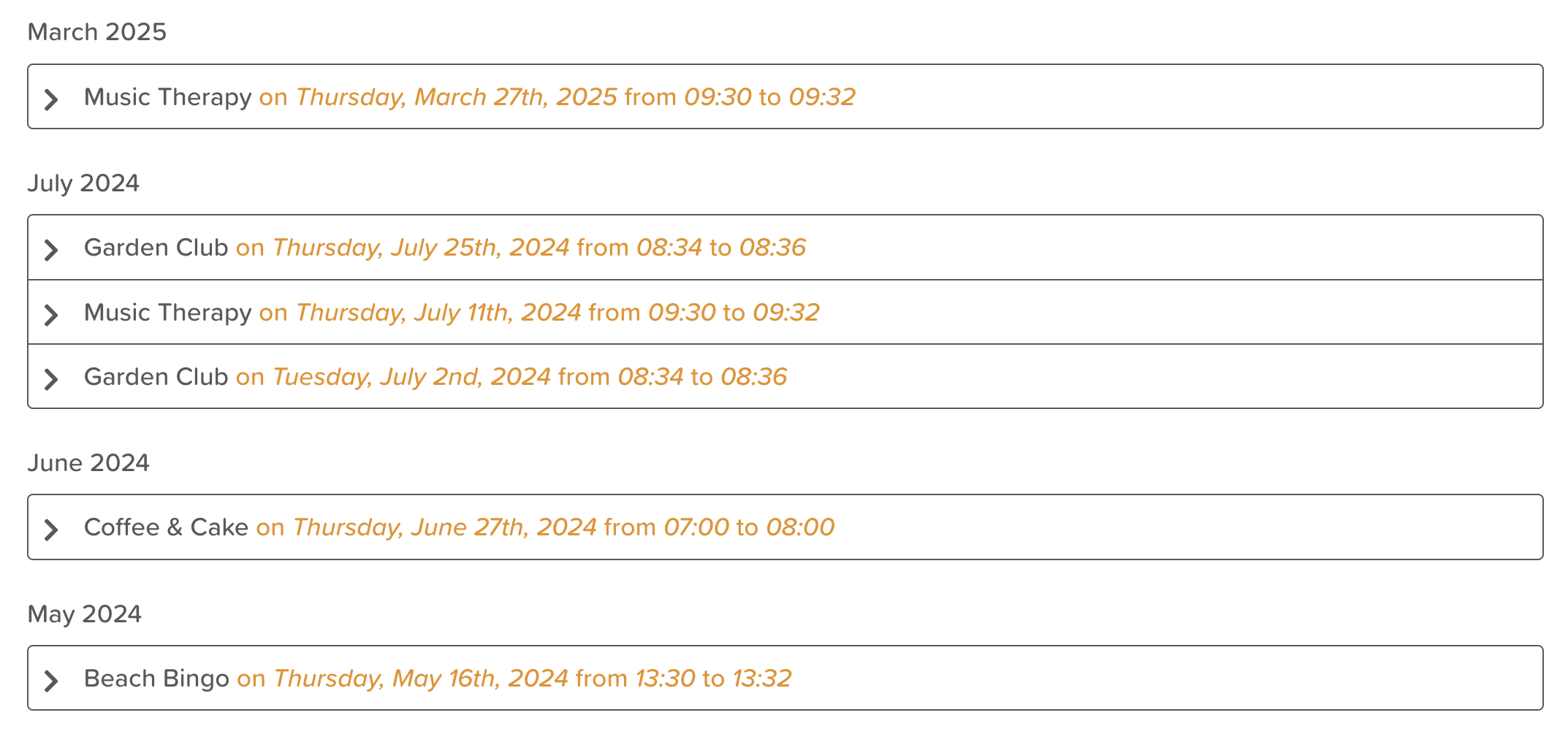
Participation — view a monthly breakdown of all the activities your loved one has taken part in at the center.
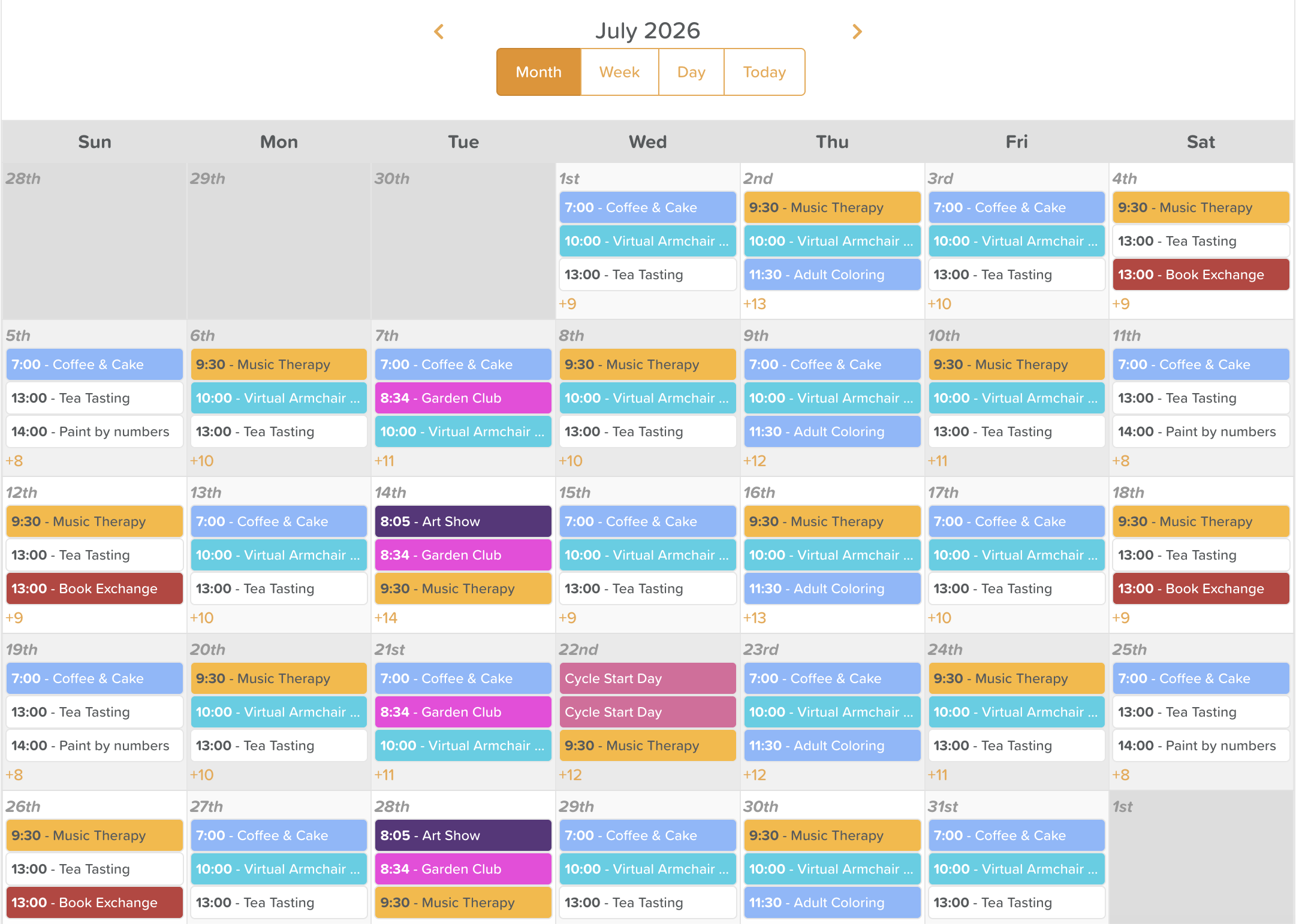
Calendar — if enabled, view the centre's schedule of activities. You can choose the Month, Week, or Day view. Some activities may display an RSVP button, allowing you to save a spot for a particular event or activity.
StoriiCare plans to add further functionality to the Storii Family App soon, including documents and billing.