
How to Add a Signature to a Staff Profile
Edited
Signatures saved to a staff profile will automatically appear when signing a form and when printing a MAR chart where that staff member distributed medication.
Adding Your Signature
Click your profile image in the top right corner

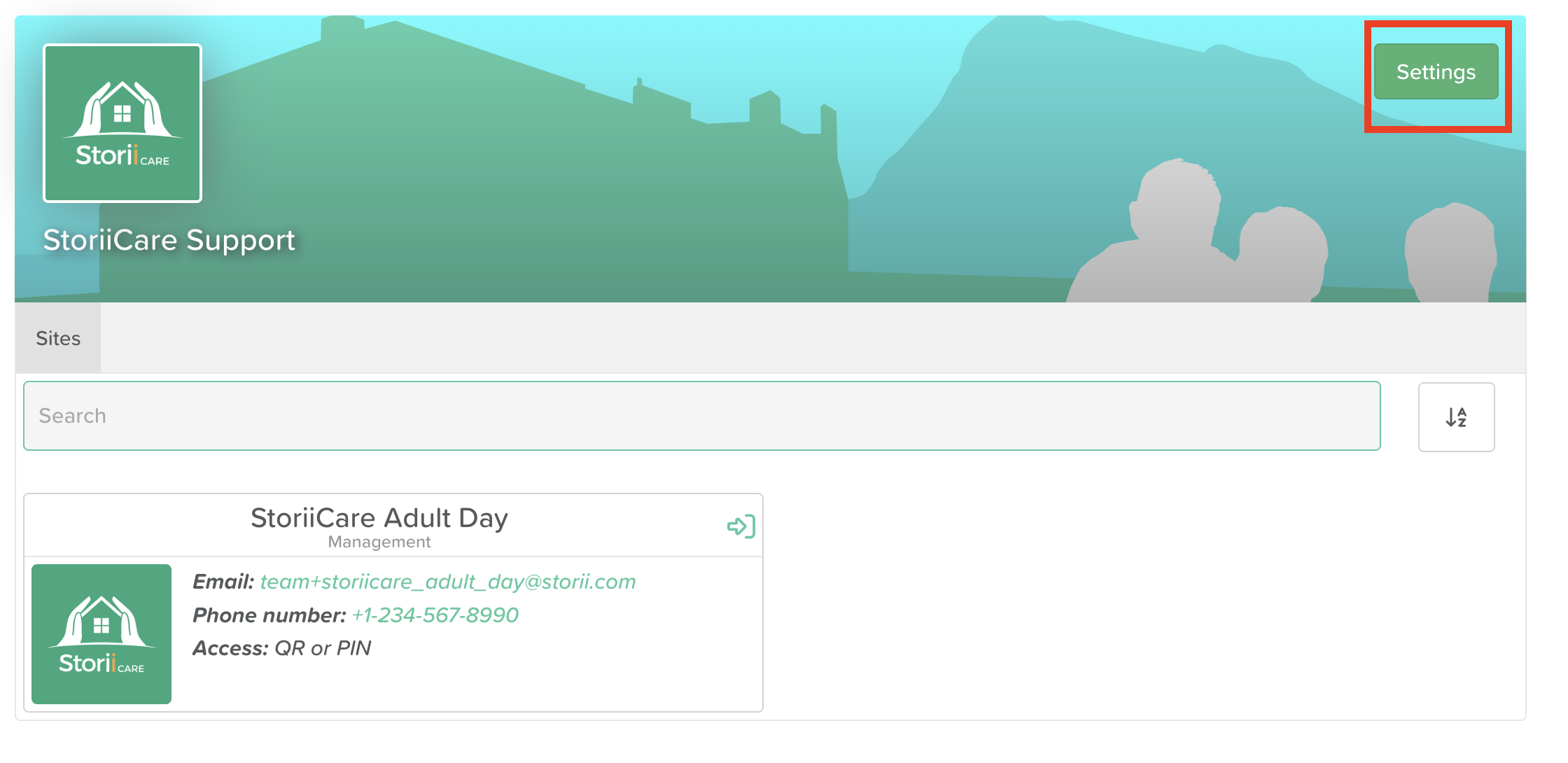
Click Settings
Click the Account tab
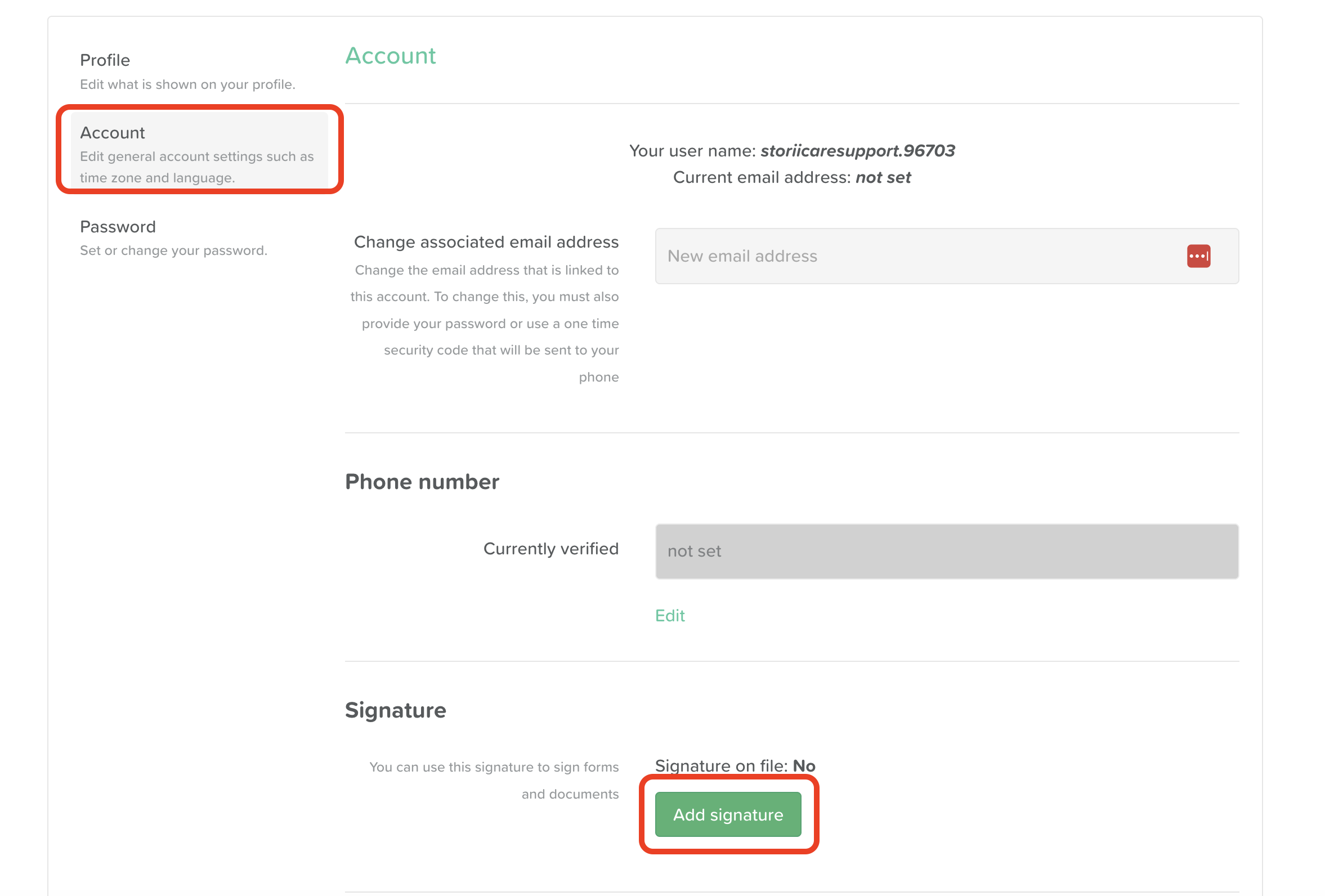
Click Add Signature
Click on the signature box
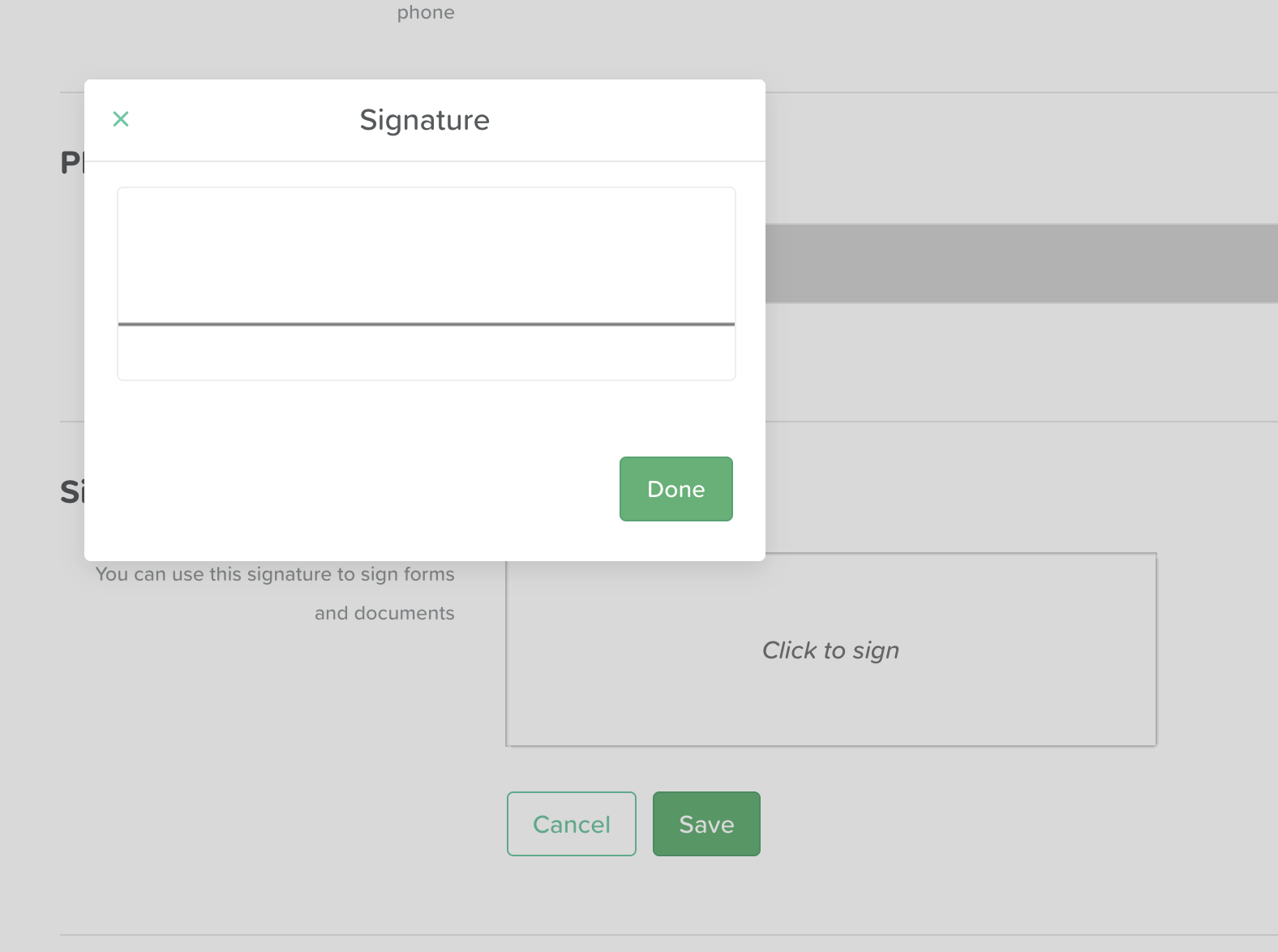
Draw your signature
Click Save
Changing or Removing Your Signature
You can return to Settings > Account at any time to update or remove your signature.
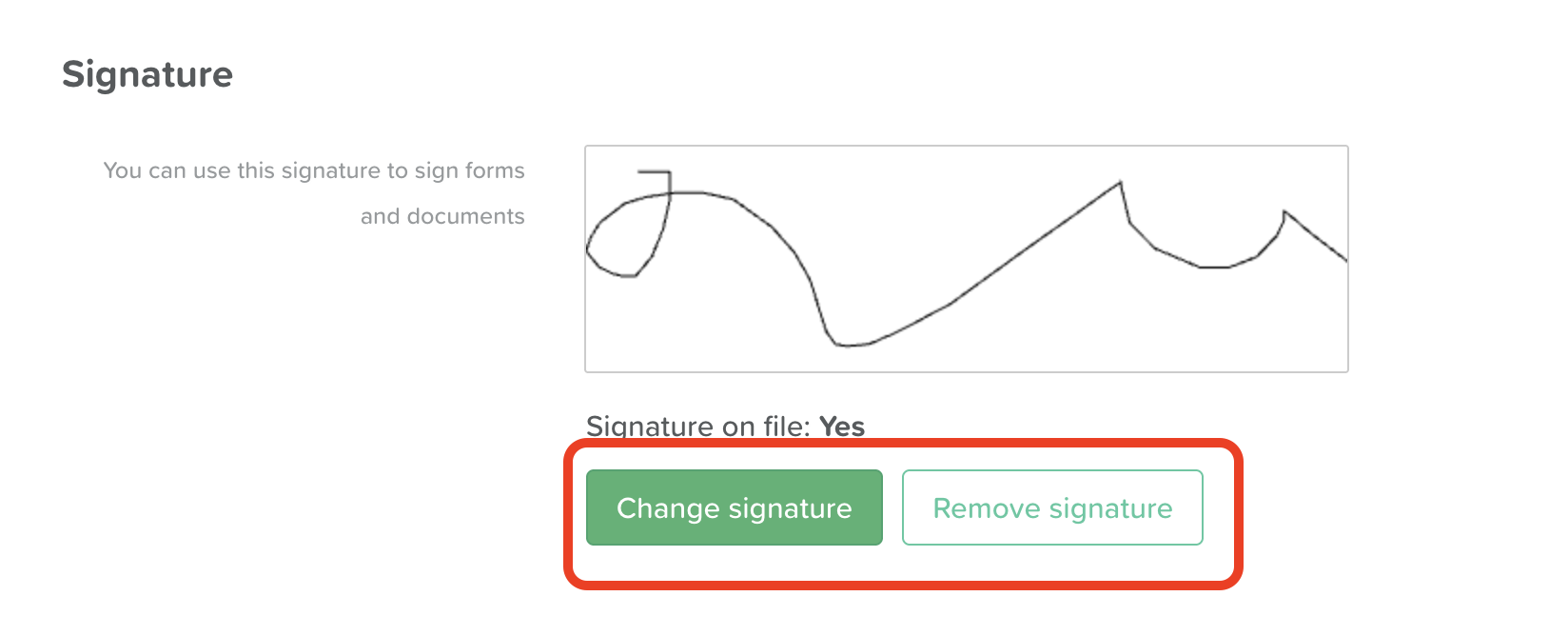
💡 Note: Signatures are tied to individual staff profiles. Each staff member must add their own signature from their own account.
Need More Help?
Reach out to us at support@storii.com and we'll be happy to assist.
Signature
Form Signature
MAR Signature
Staff Signature
Was this article helpful?
Sorry about that! Care to tell us more?