
How to Print an Active Register
Need a physical copy of who is currently signed in? StoriiCare makes it easy to print an active Register for participants, staff, or visitors for your next fire drill or audit.
Steps to Print the Active Register
Go to the Register:
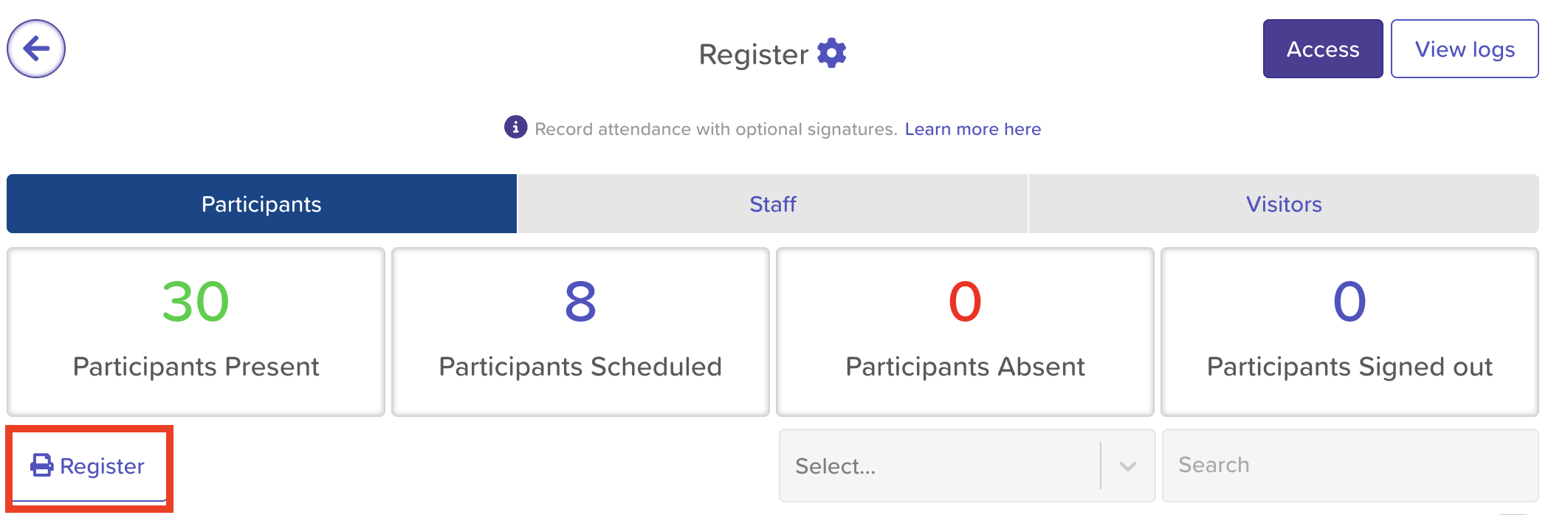
From your Dashboard, click Register.
Select the Register Type:
Choose Participants, Staff, or Visitors from the top tabs. You will need to download a list for each tab if you want all categories included.
Click the ‘Register’ Button:
On the left-hand side, click the Register button (this opens a printable version of the active list).
Print or Download:
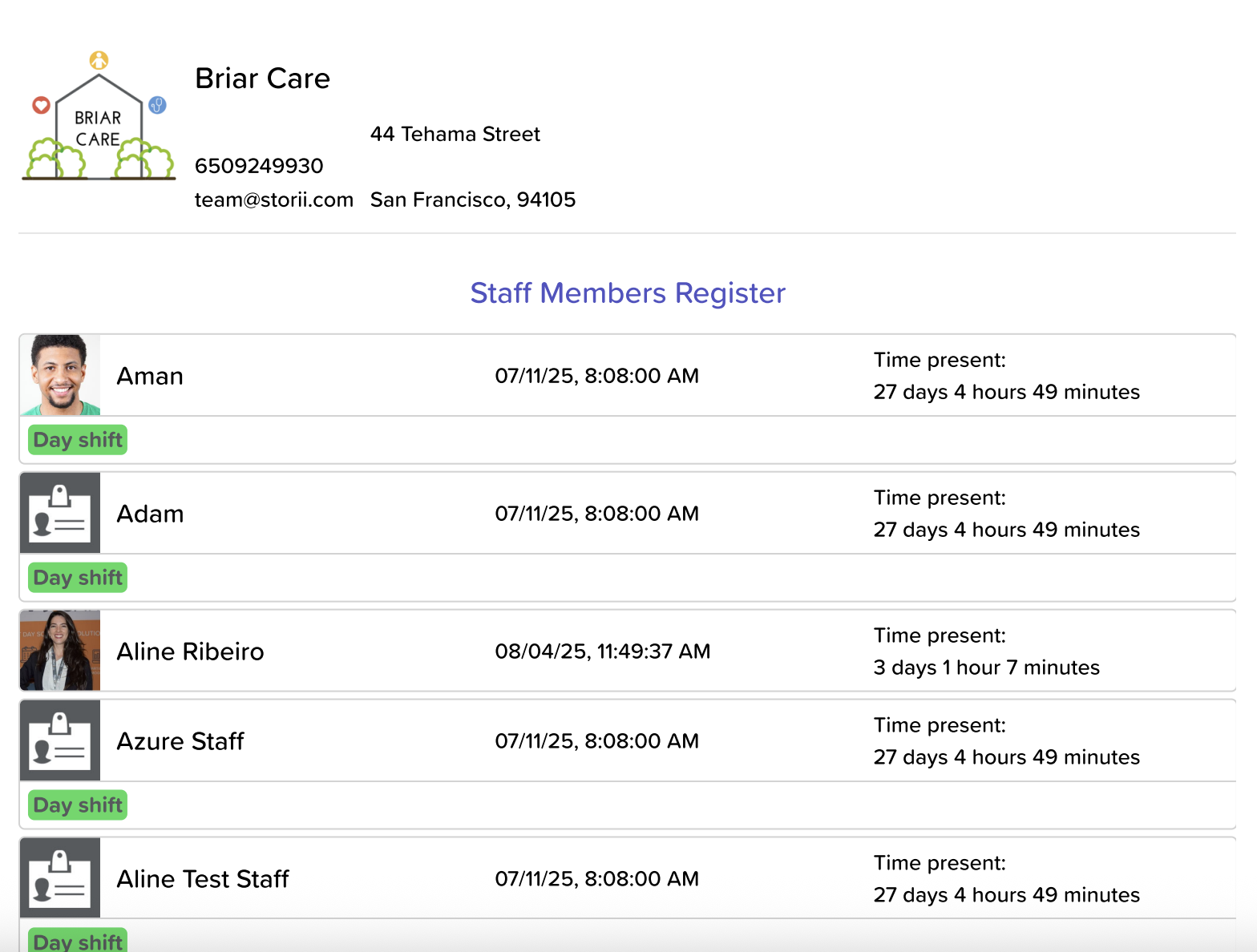
A new tab will open with a PDF-style layout.
Use your browser’s print options to print or download the file.
Need More Help?
If you need further assistance, you can reach out to our support team by emailing support@storii.com. Our support team is ready to help you with any questions or issues you may have.