
Configuring Activity Instructions
Edited
StoriiCare has a dedicated area where you can store activity instructions. These instructions can be added to activities in your Activities Database. These instructions will then appear when that activity or event is scheduled so that staff can easily access them if they are in charge of facilitating a specific activity that comes with instructions.
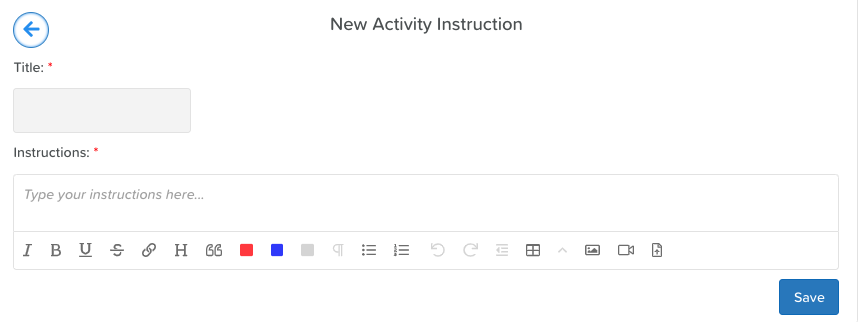
To add your activity instructions:
Click the ‘Add new’ button (top right)
Fill in the text boxes
Click Save
Was this article helpful?
Sorry about that! Care to tell us more?