
Configuring Schedule Settings
Edited
Schedule Settings
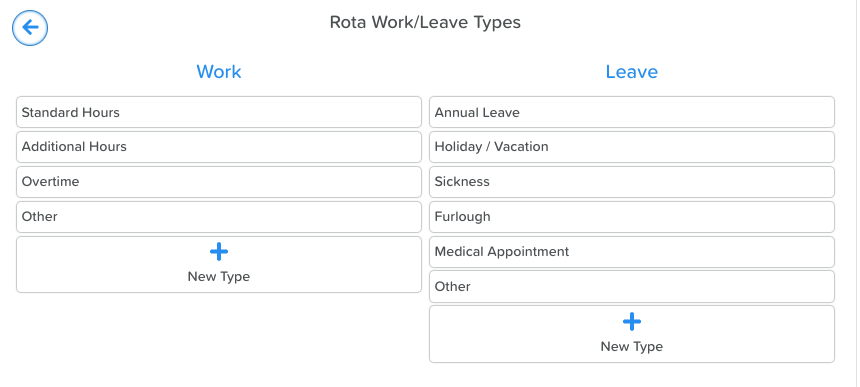
If using the Schedule feature to populate a Staff Rota, you have the option to configure custom Work and Leave hour types.
From the main Schedule page:
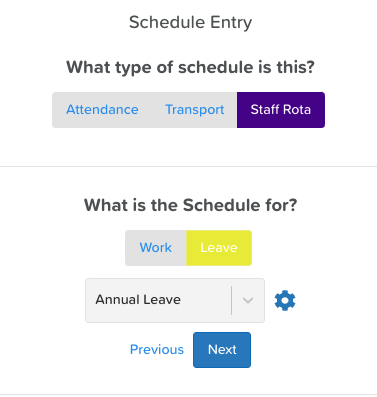
Click on the Staff Rota tab
Click on the Add button (top right)
Click the Next button
Click on Work
Click on the settings wheel/cog icon
Click on the +New Type buttons to add new work and leave hours to their respective lists
Click the disc icon to save your changes
Was this article helpful?
Sorry about that! Care to tell us more?