
How to Find a List of All Connections
Edited
StoriiCare's Connections Export allows you to generate a list of all family members and friends who have accepted invitations to Storii Family.
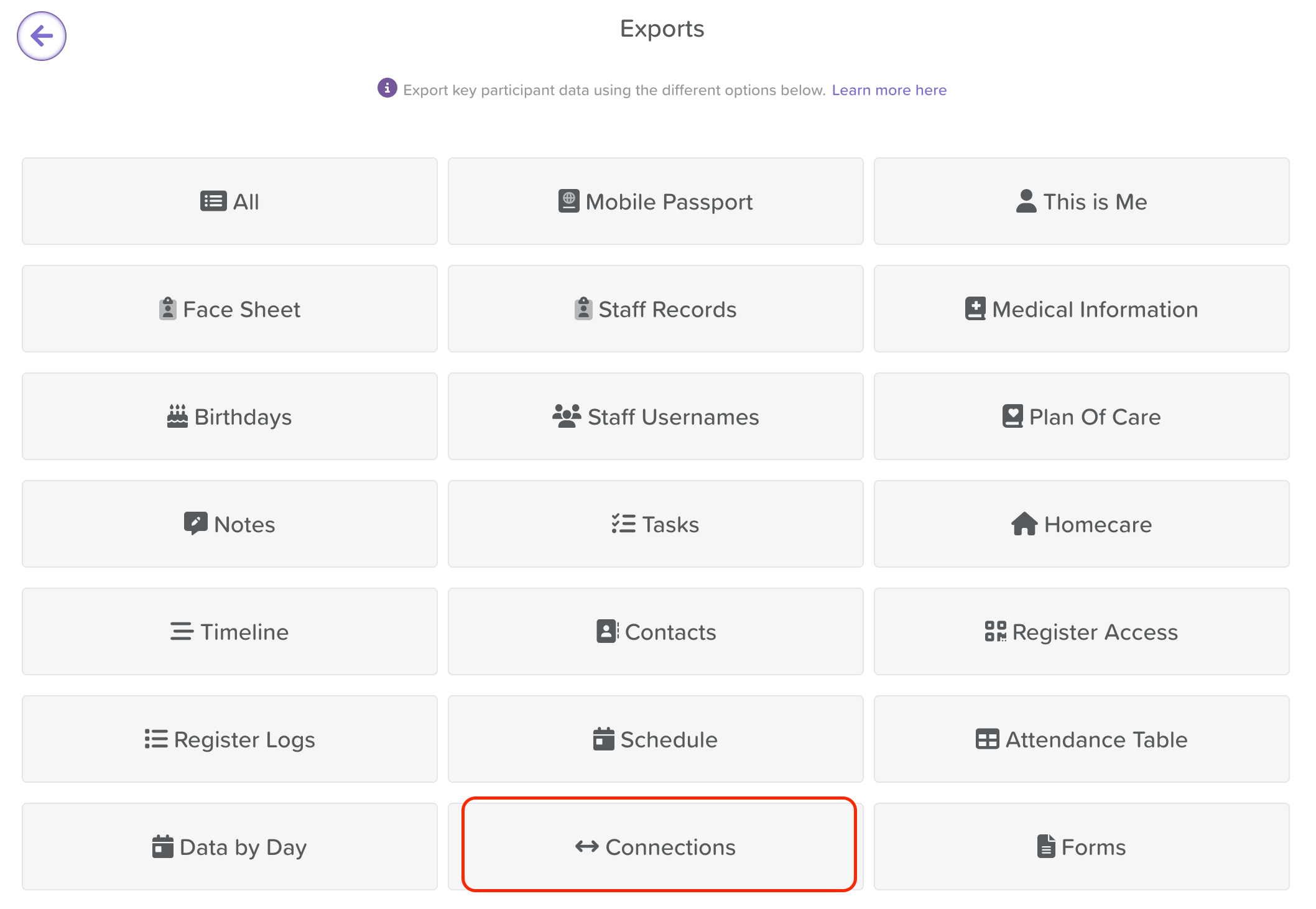
Exporting Your Connections List
From the Dashboard, go to the Exports feature.
Click on the Connections option.
Filter the export to include all, a specific group, or a select group of service users.
Toggle on Include pending invites if you'd like the export to also include the contact details of anyone who has been sent an invite but has not yet accepted and created an account.
Click Connections (CSV) to download your spreadsheet.

Need More Help?
If you have any questions or need further assistance, please contact our support team at support@storii.com.
List of family
Care Circle
Storii Family
Was this article helpful?
Sorry about that! Care to tell us more?