
A Guide to StoriiCare Support
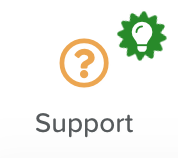
You can navigate to the Support section by clicking on the 'Support' button, which is located at the bottom of the sidebar menu.
Once inside, you'll have access to all our support resources:
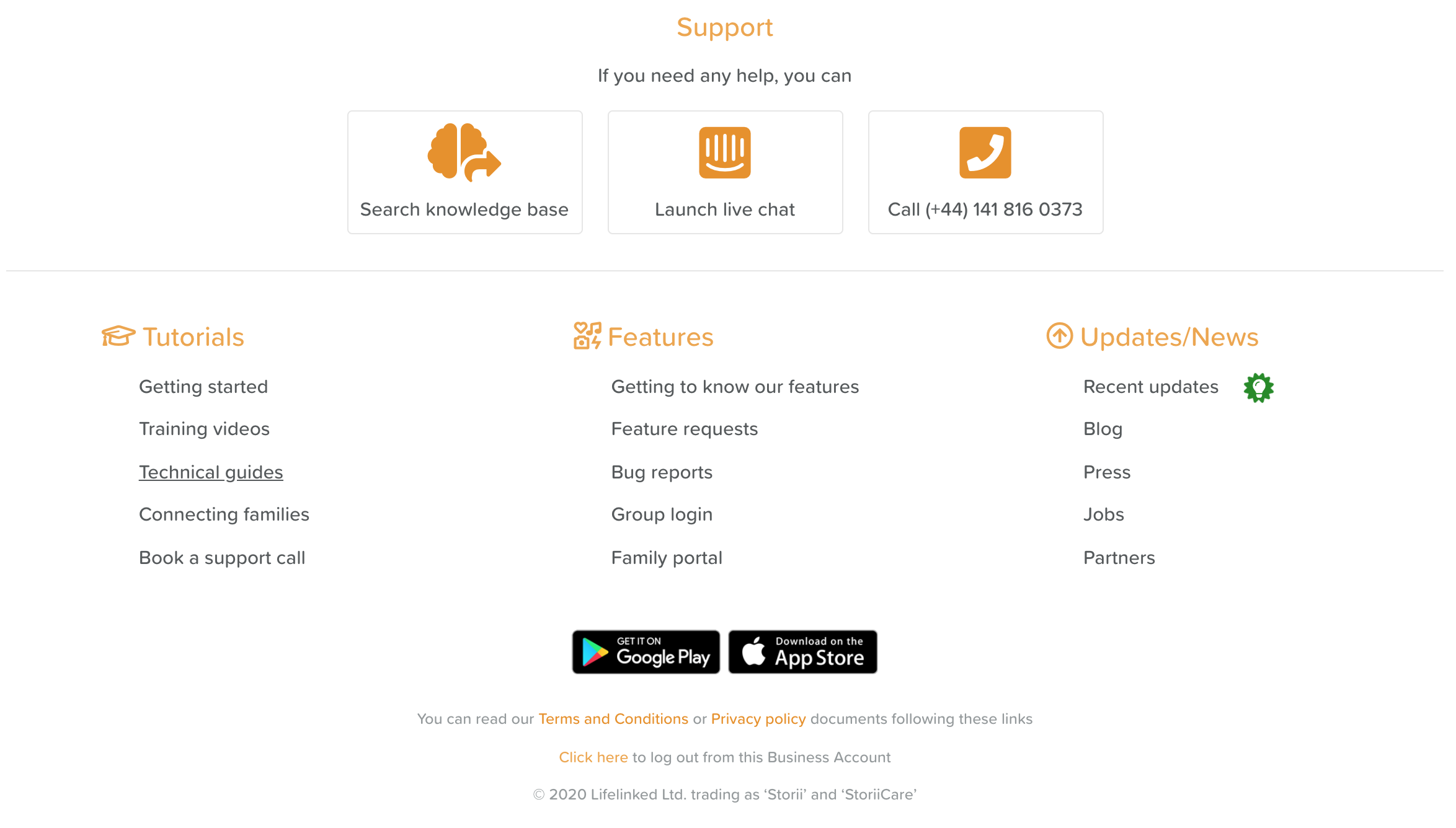
Directly under the Support heading you can click Talk to our AI agent to speak with our AI support agent, Search knowledge base to find help articles, Launch live chat to message us, or Book a support session to schedule a call. AI support is available 24/7. Our support team is available 1am-5pm PST in English, Spanish and Portuguese. You can also email support@storii.com or call +1 650 924 9930.
Tutorials
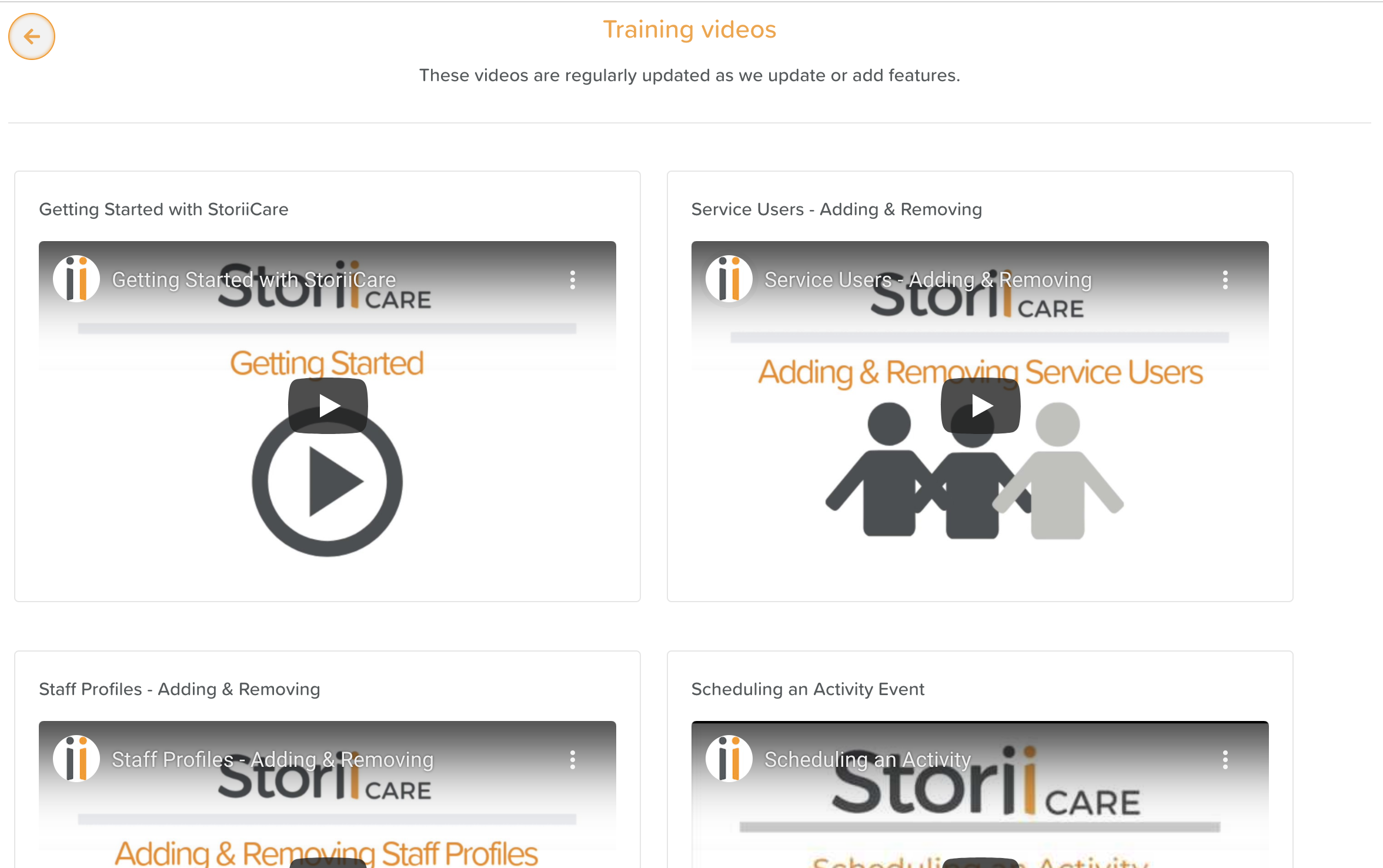
By clicking on Getting Started, Technical Guides, or Connecting Families, you'll find a list of helpful written manuals.
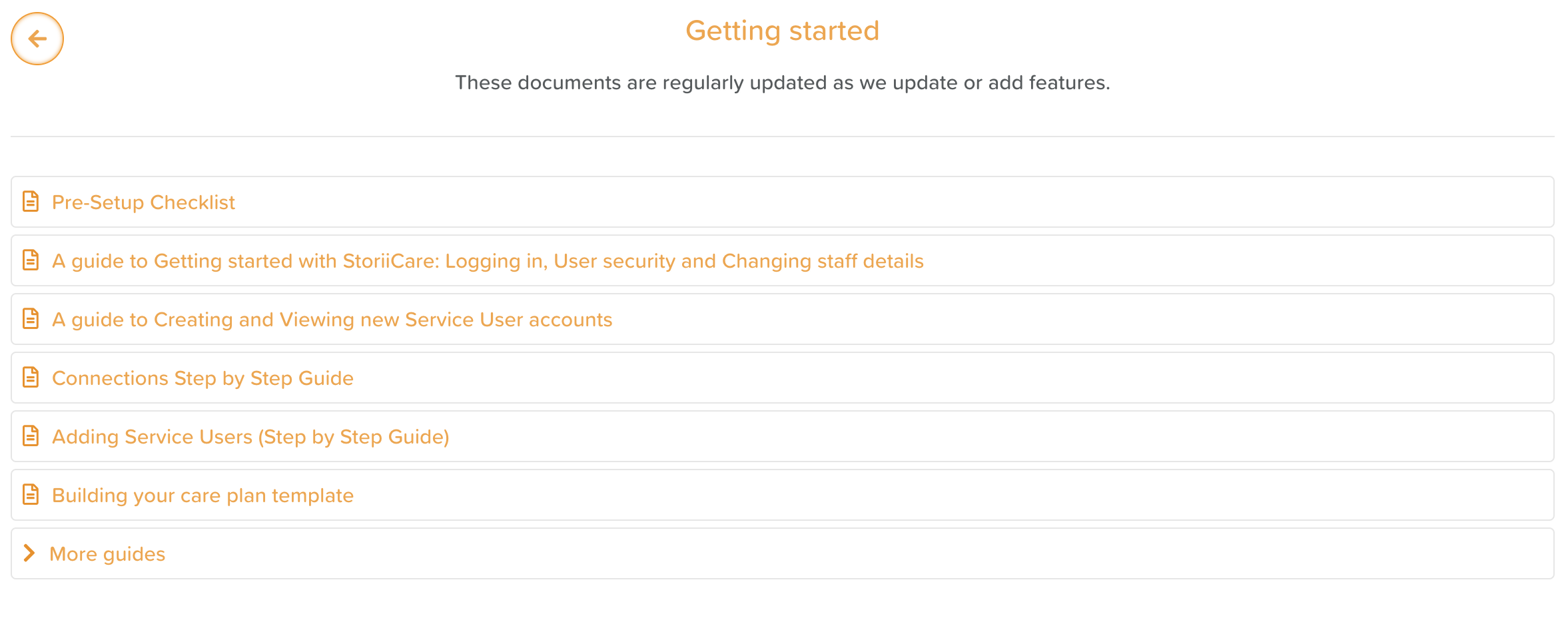
By clicking on Training videos, you can watch a series of helpful video tutorials for carrying out various actions on StoriiCare.
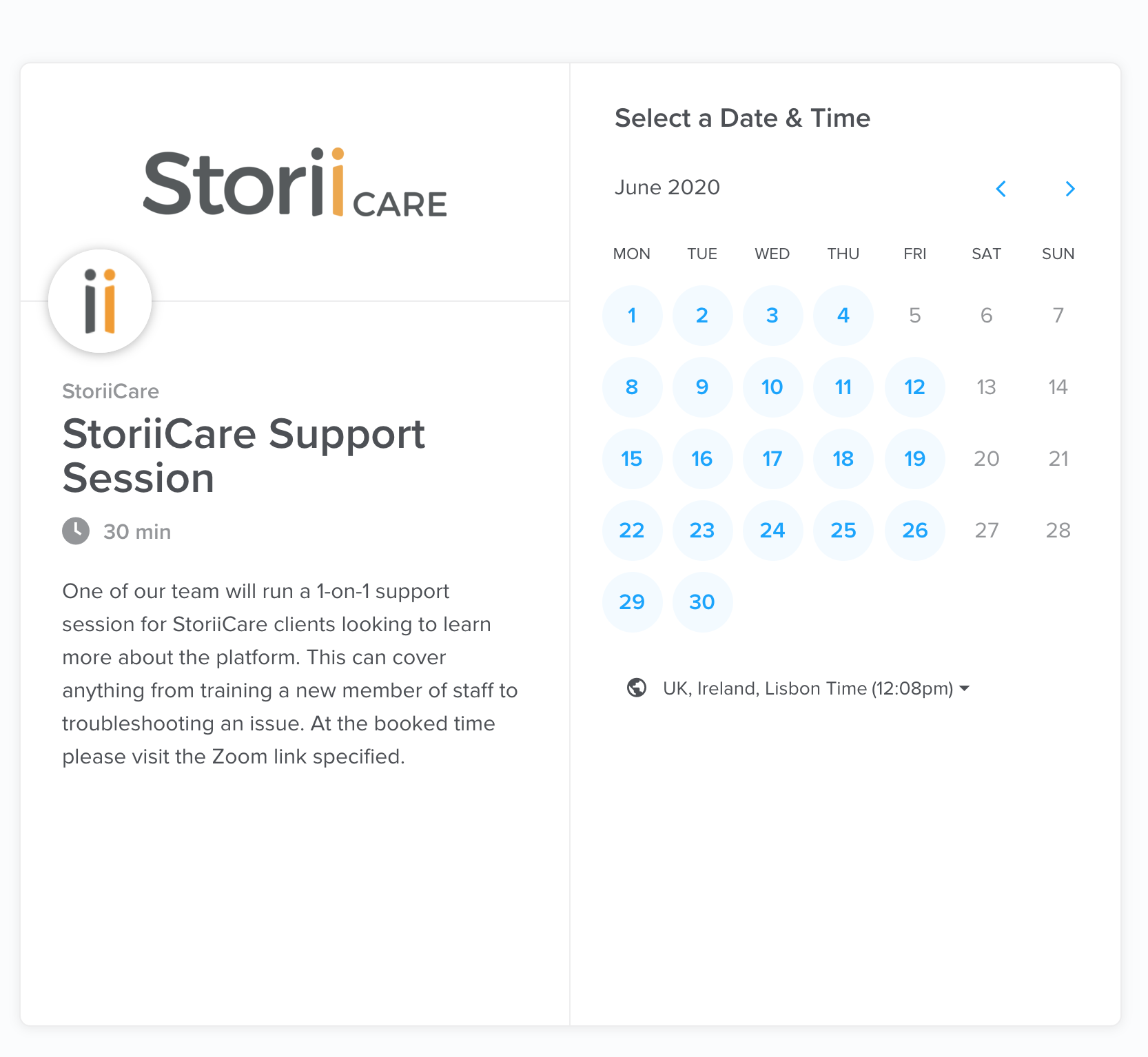
By clicking on Book a support session you'll be directed to our booking calendar. Here, you can schedule a time to video chat with a member of our support team over zoom. These sessions can be used for training new members of staff or troubleshooting a technical problem. Generally these sessions are 1-on-1, but more than one member of staff can be invited.
Features
Getting to know our features will take you to our collection of help articles.
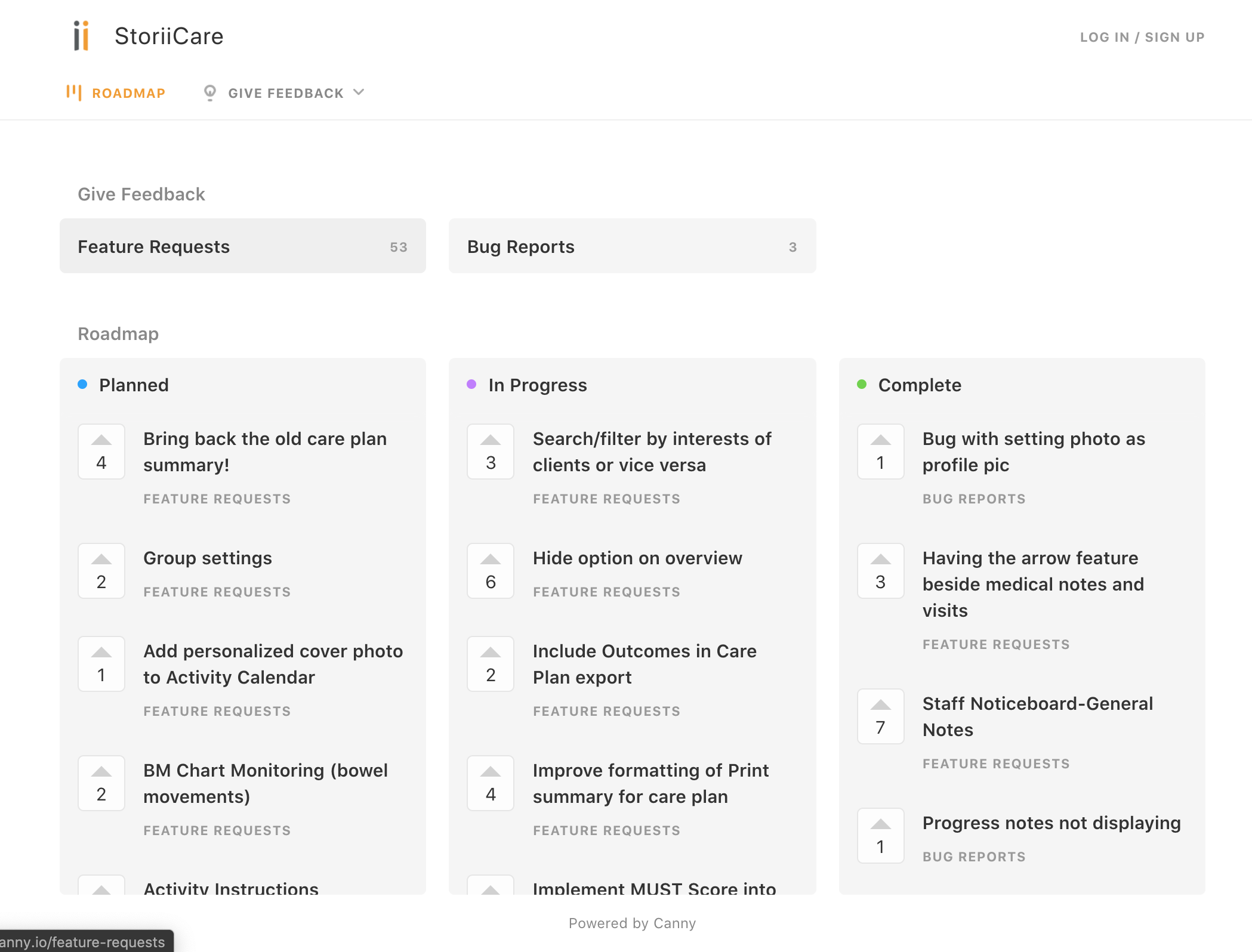
Feature Requests and Bug Reports will open up a window where you can:
Submit any update or change request to a feature
Submit a report if you're experiencing a bug or glitch on the platform
View our product roadmap (see which updates are planned, in progress, and completed). You can comment and upvote on these items.
If you manage multiple communities, you may use Group Portal to view analytics for all sites across the platform. From here you can login to each business as well.
Family Portal will take you to Storii.com, where connected friends and relatives can login to their Storii account.
Updates/News
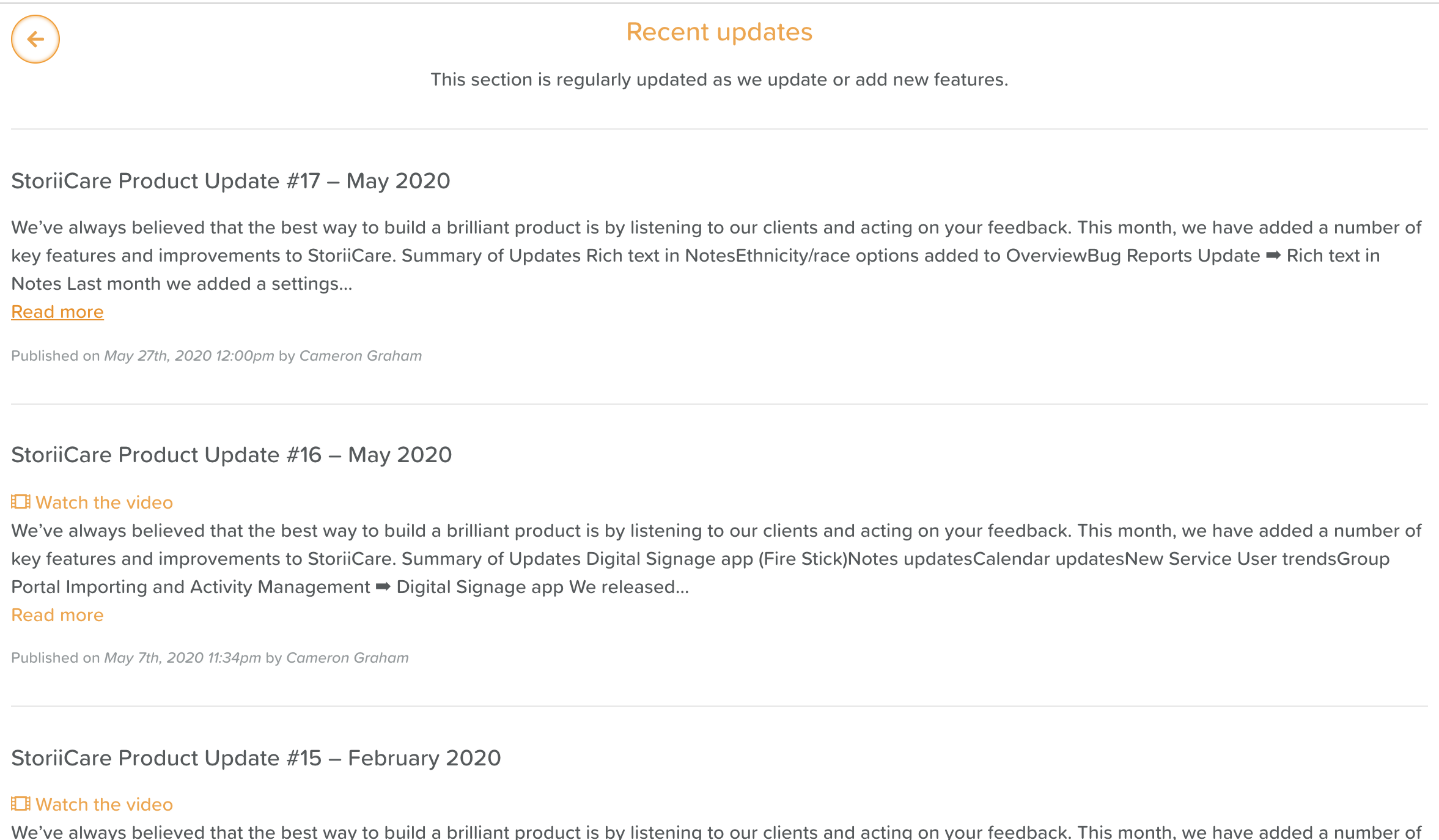
Recent Updates is where you'll find our monthly product updates. When a new product update has been posted, you will see the green light bulb icon on the Support section tab and next to the Recent Updates link.
Our Blog is regularly updated with industry information, best practices, activity ideas, and ways to get the most out of StoriiCare.
You can find information about StoriiCare's Press and Partners in this section as well.