
How to Upload and Play Audio Files
Edited
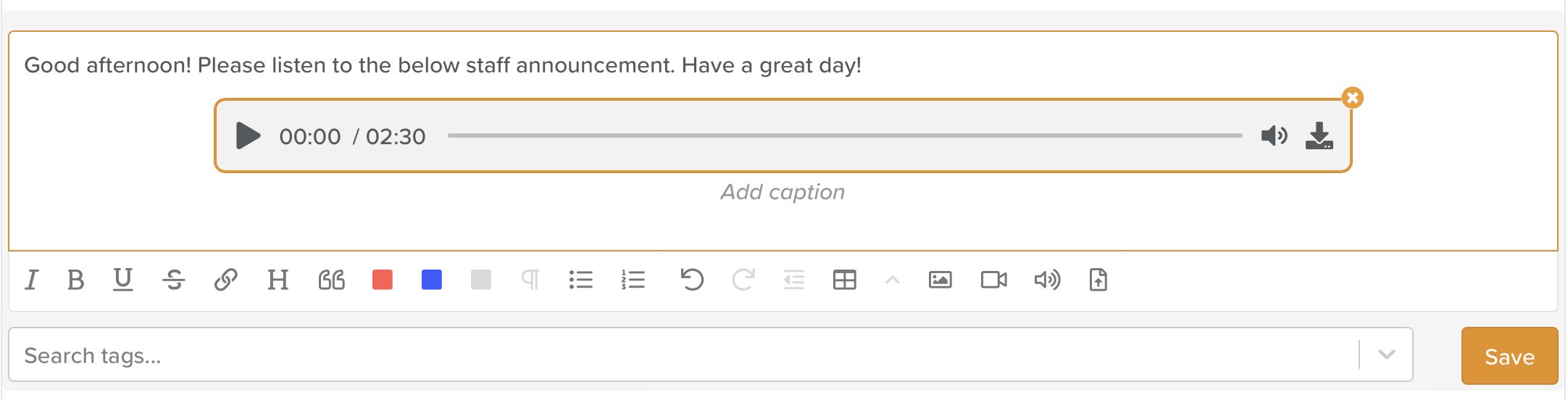
You are now able to directly upload audio files to any StoriiCare notes section. At current, .mp3 and .wav files are accepted. Audio files will be playable directly within the note. You will see the audio icon within the rich text toolbar of any note entry area.

Audio upload button
Use cases include:
Uploading a recorded staff announcement to the staff noticeboard
Uploading a Life Story recording to a Life Story question on a Participant's profile
Uploading an audio recording to the This is me, Care plan or Outcomes section of a Participant profile discussing their preferences and goals
Uploading an audio recording to a progress note
Uploading an audio recording to an incident or accident record
Was this article helpful?
Sorry about that! Care to tell us more?